 Baila
BailaDashboard and daily attention points
See what needs attention.
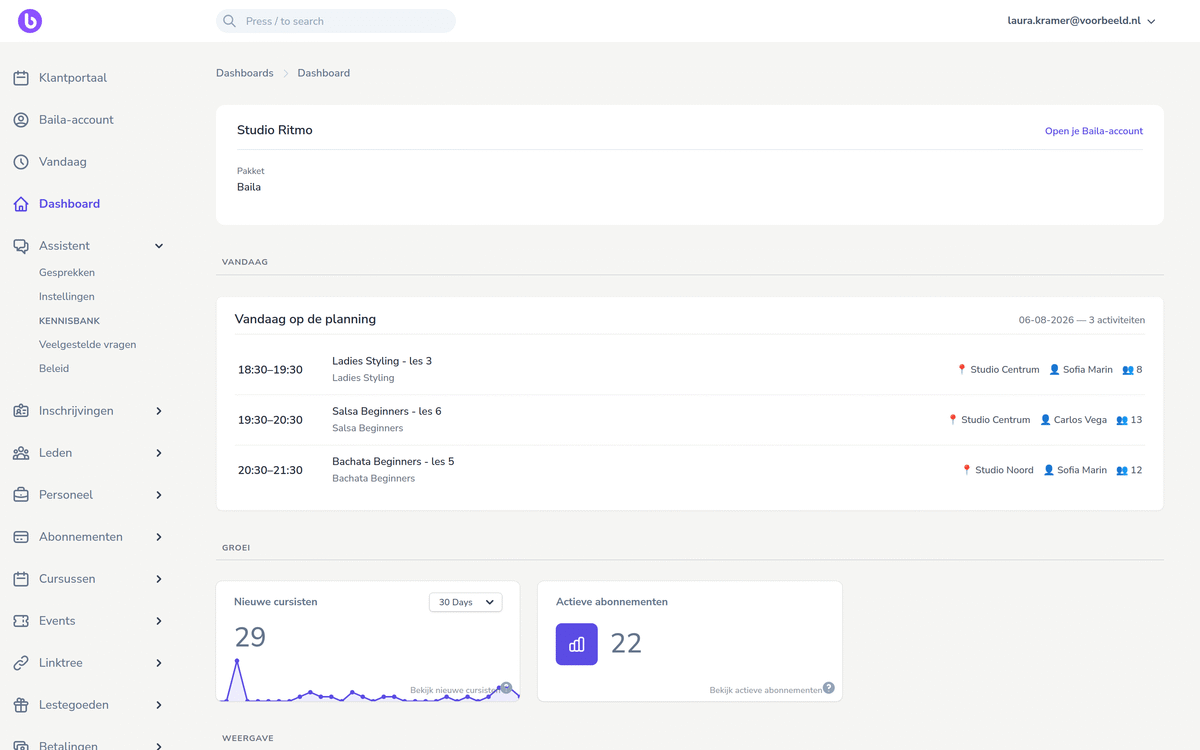
Open the day and see straight away which classes run today, with time, location, teacher and the number of sign-ups.
Ask the back-office agent
What needs my attention today?
A complete back office for classes, scheduling, customers, memberships, payments, events and day-to-day follow-up.
Dashboard and daily attention points
Open the day and see straight away which classes run today, with time, location, teacher and the number of sign-ups.
Ask the back-office agent
What needs my attention today?
Classes, scheduling and attendance
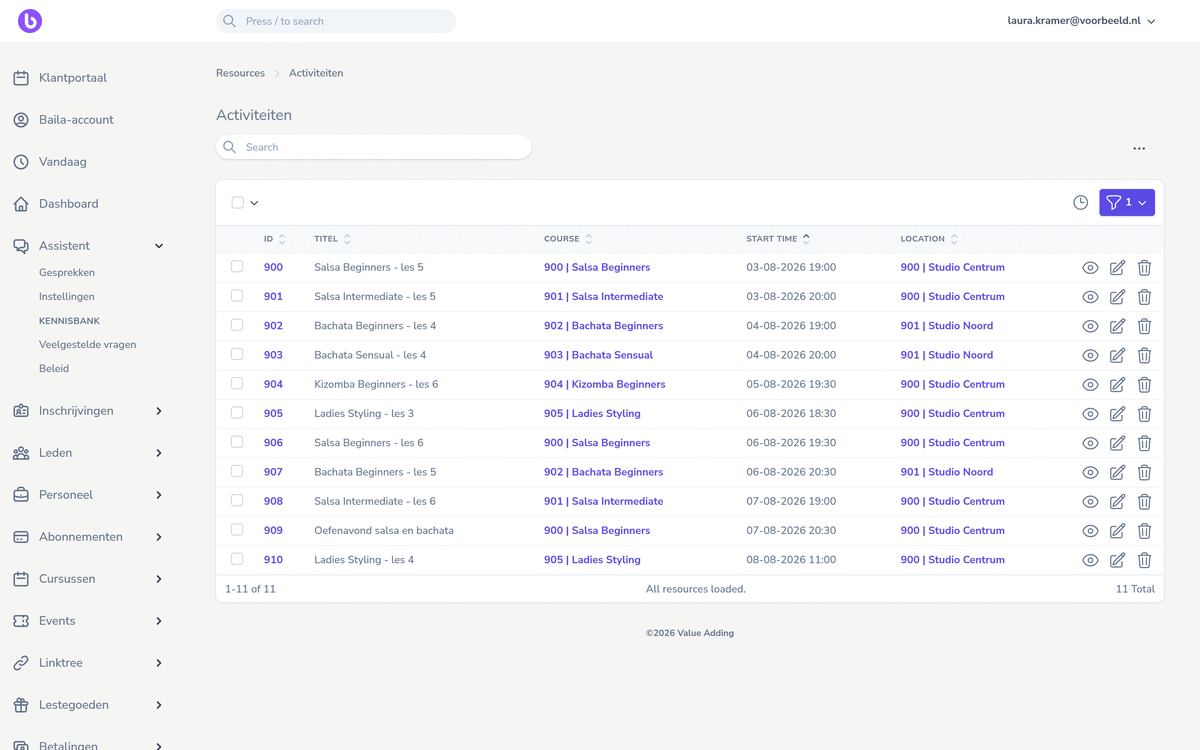
Manage a weekly schedule with teachers and locations, and keep attendance per class.
Ask the back-office agent
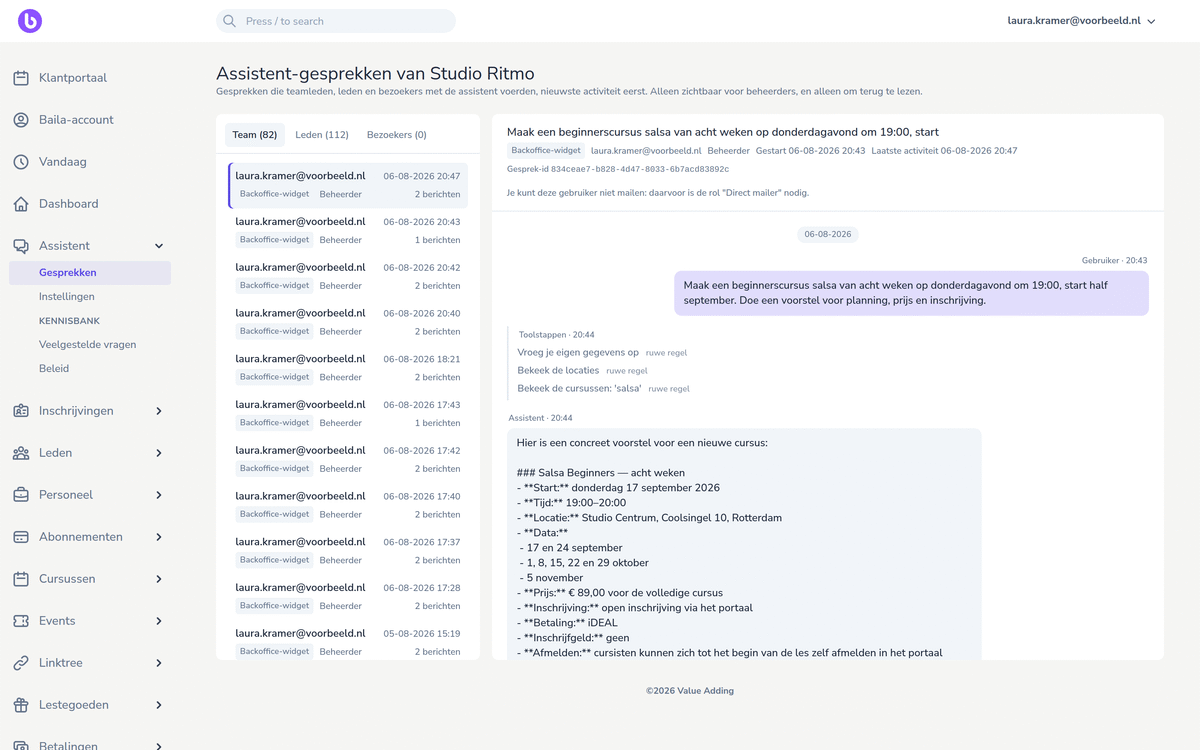
Draft a proposal for an eight-week beginners course on Thursdays.
Customers, registrations and memberships
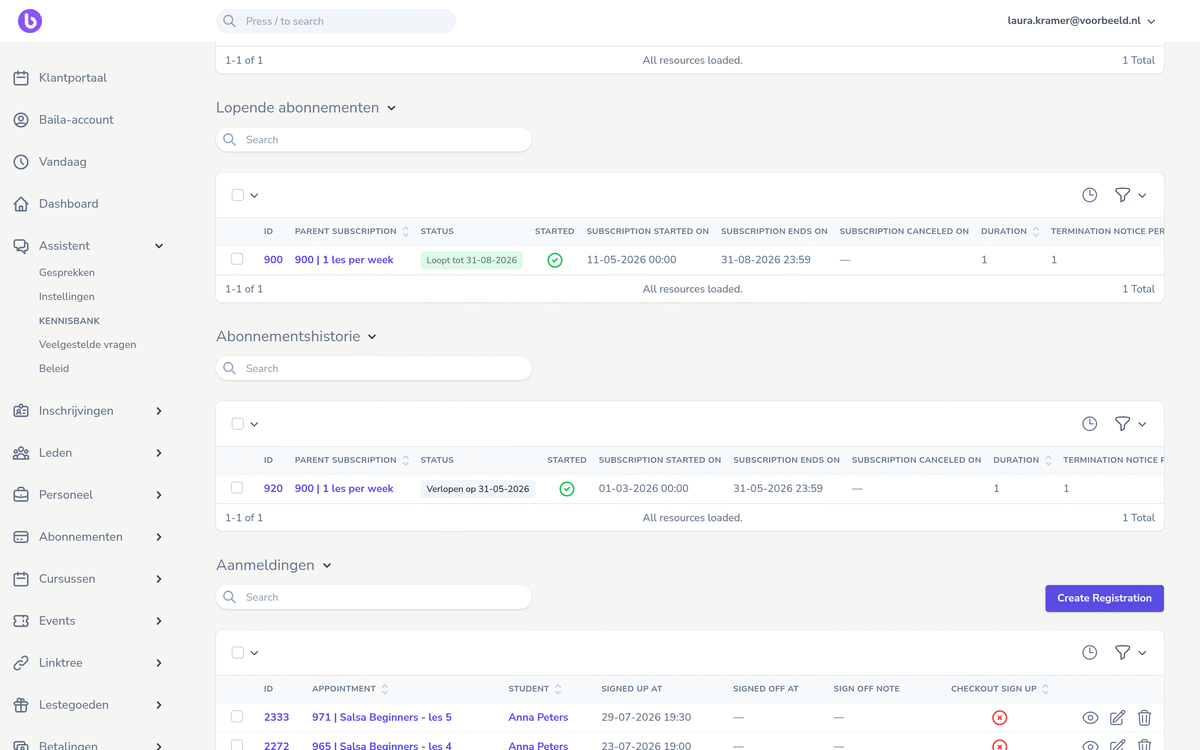
Open a customer profile and see participation, membership and payments in a single view.
Ask the back-office agent
Can Noor be moved to the Thursday group?
Payments and follow-up
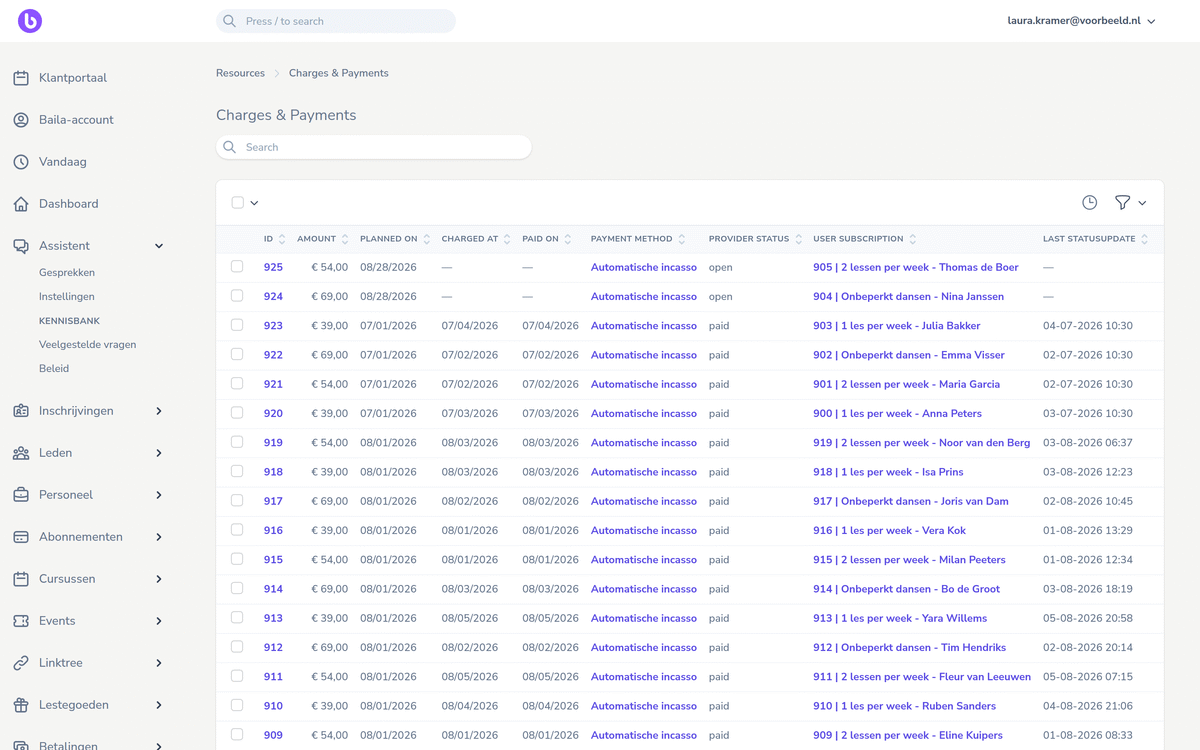
Follow direct debits and one-off payments per customer, with the status of every charge.
Ask the back-office agent
Which payments are still open?
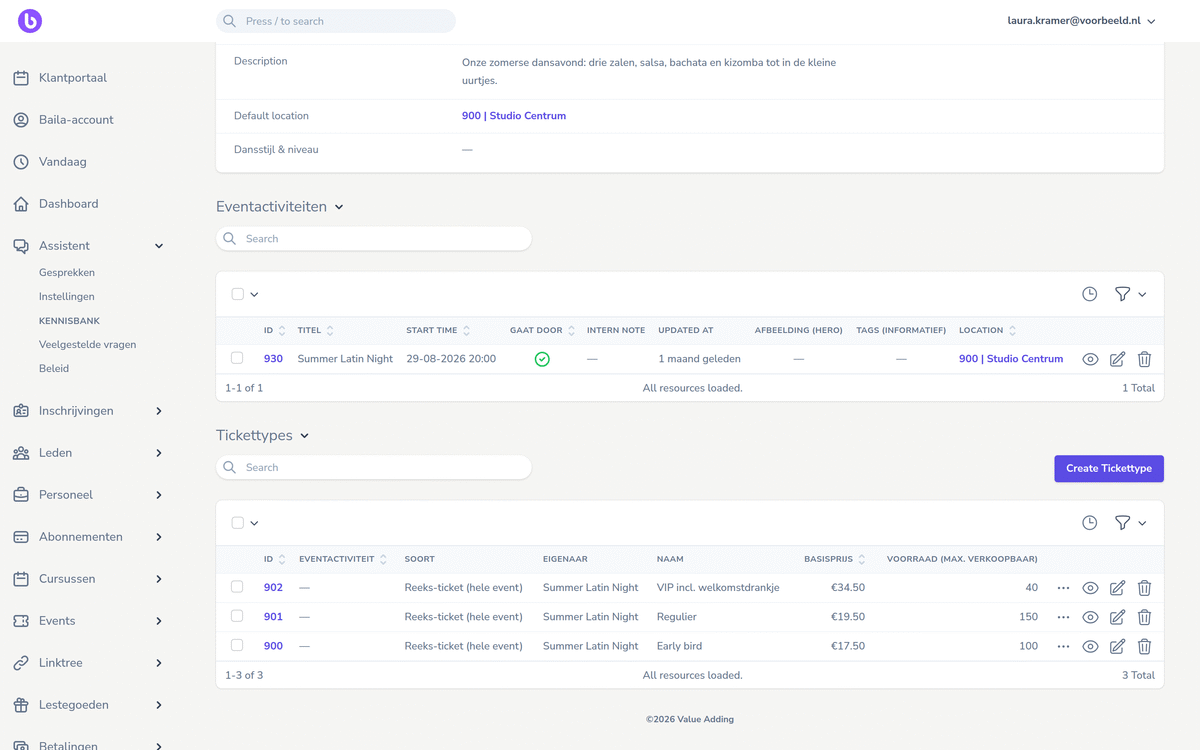
Events, ticketing and additional sales
Set up an event with ticket types and price phases, and scan visitors at the door.
Ask the back-office agent
Set up a social for 150 visitors with early-bird and regular tickets.
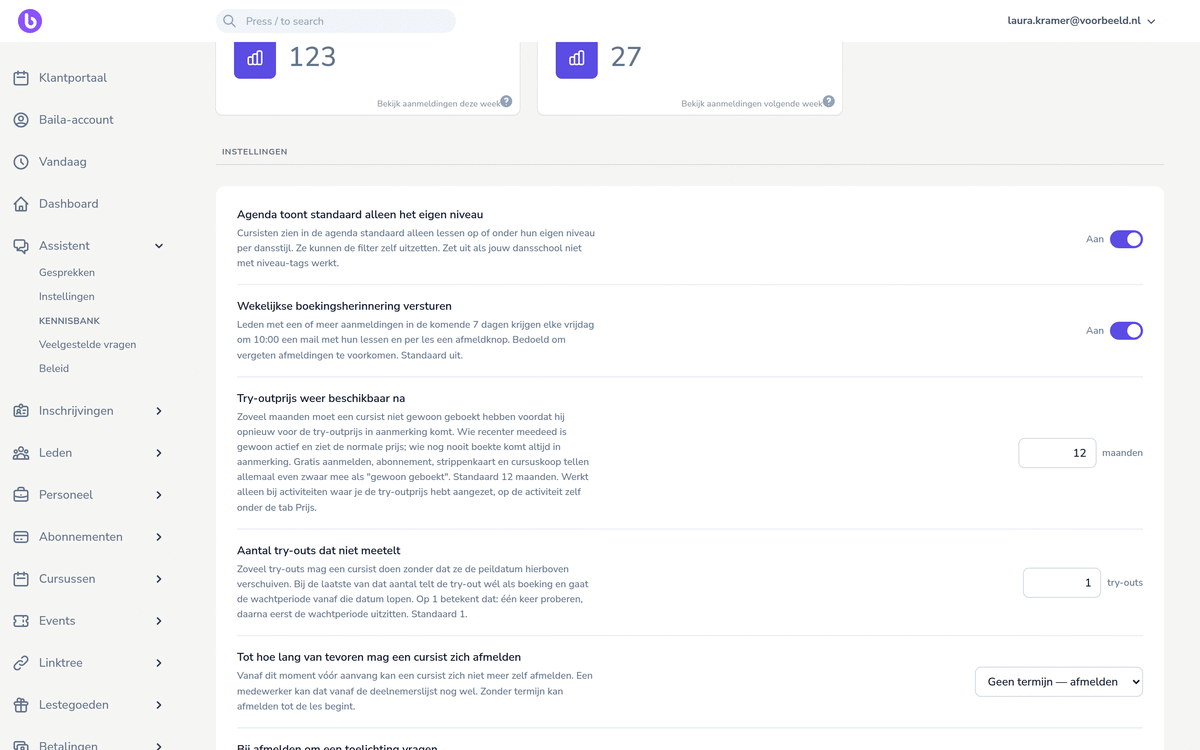
Automations
Set it up once: the weekly booking reminder for students, the window in which someone can cancel a booking and the try-out price that only applies to new and returning students.
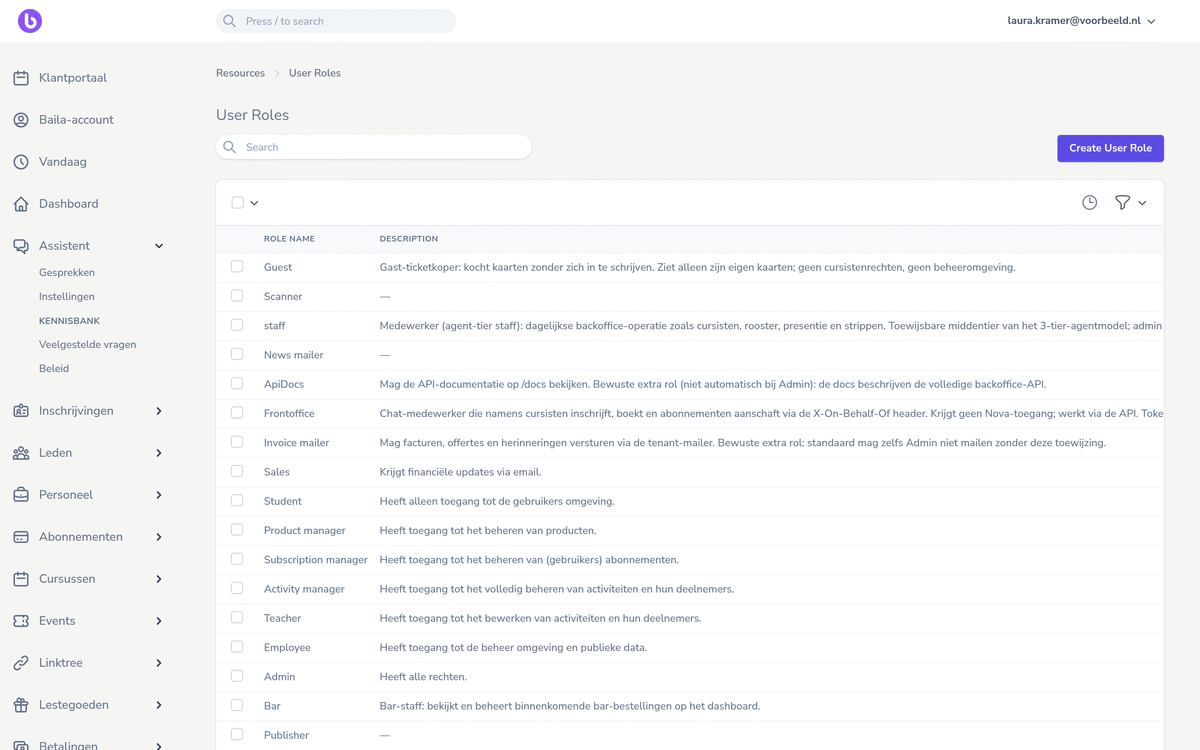
Roles and permissions
Invite team members with a role that fits their job, from management and teacher to scanner and bar.
The back-office agent works within the role of whoever directs it: what you are not allowed to do yourself, the agent cannot do for you either.
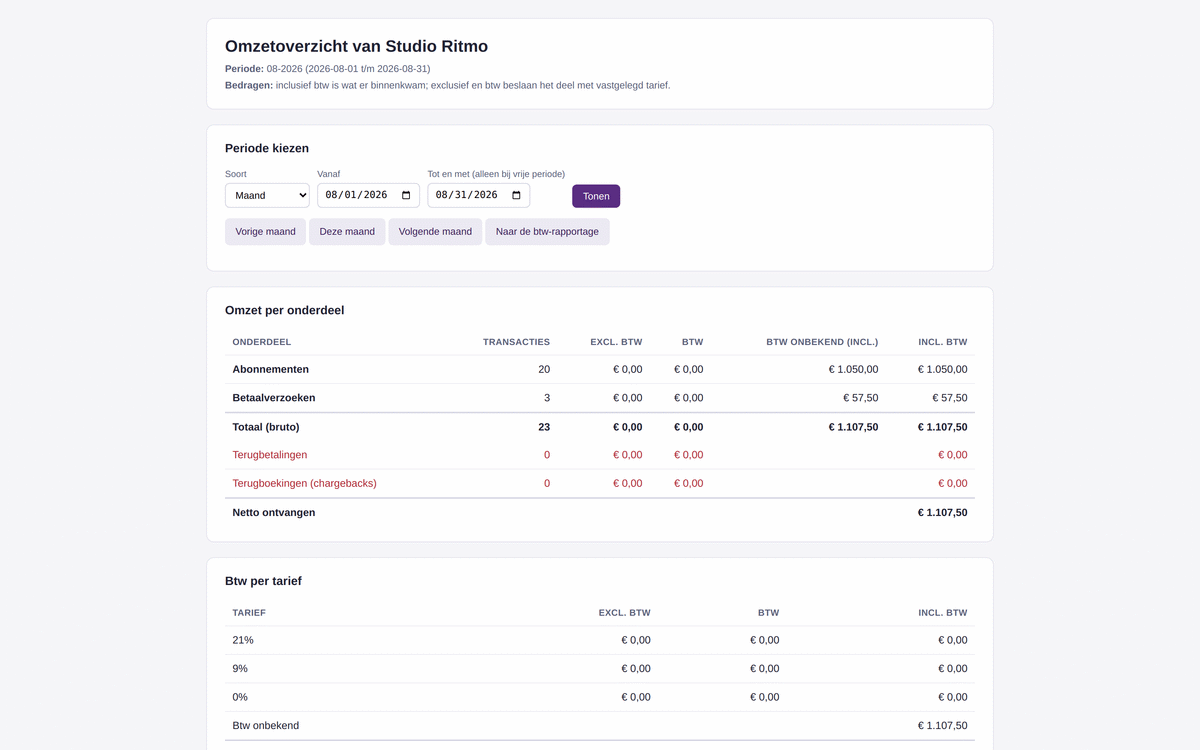
Reports and insights
View revenue per part of your school and VAT per rate for any period, and use the VAT report for your tax return.
The back-office agent inside every part
Nothing happens out of sight: conversations with the agent can be read back in the back office.
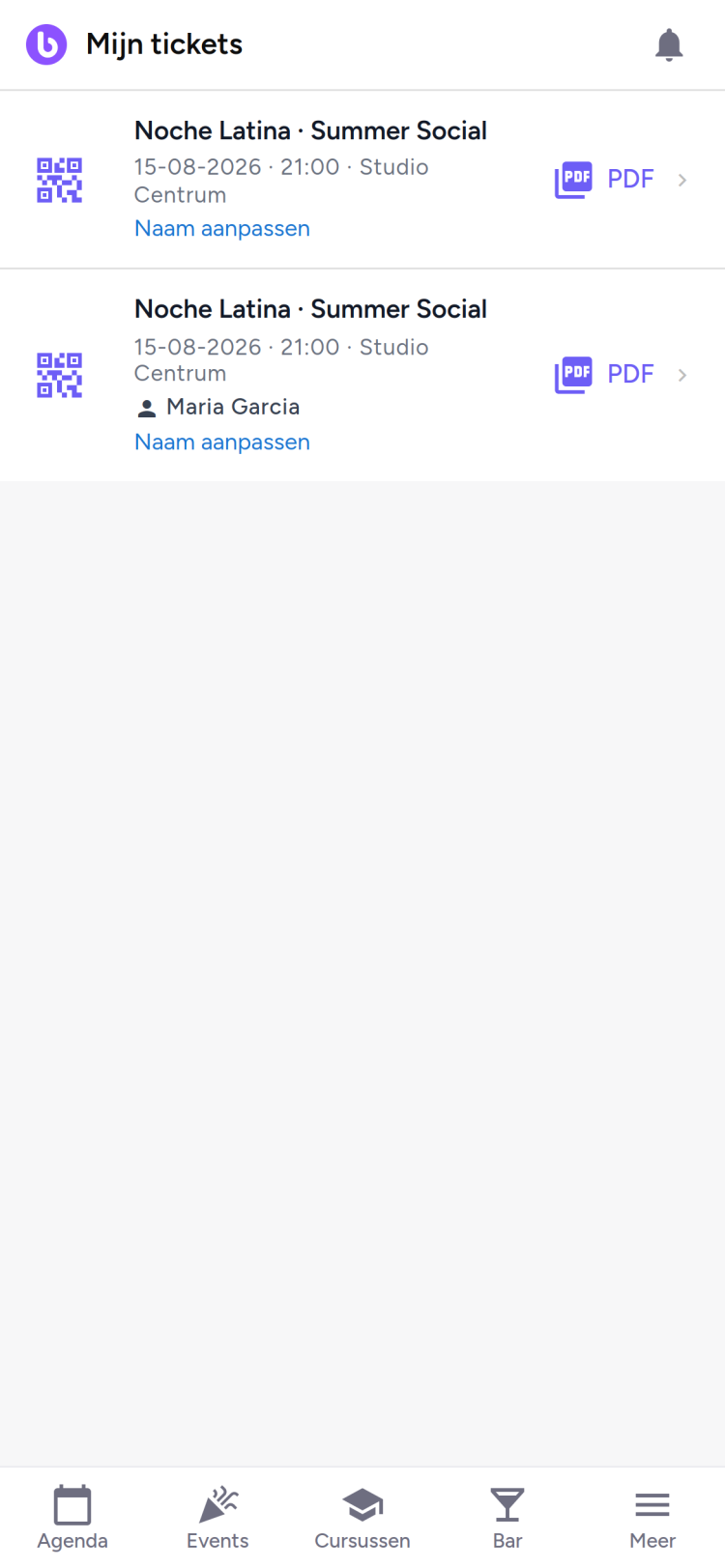
Next to the back office sits the customer portal, as an app on your student’s phone. That is where they book classes, manage their membership, see their payments and keep their tickets with QR code ready.
You create your environment at its own address and see the back office from the inside, at your own pace.
*For the first 90 days you pay no package price. After that it is € 69 per month excluding VAT and you can cancel monthly. Costs per sale, such as ticket fees, apply from day one.