
Your own questions
Text field, text box, dropdown or tick box, in your own order.
Classes and members
New members sign up themselves through the registration form of your school, in the frontoffice or on your own website. You add the questions that matter to your school.
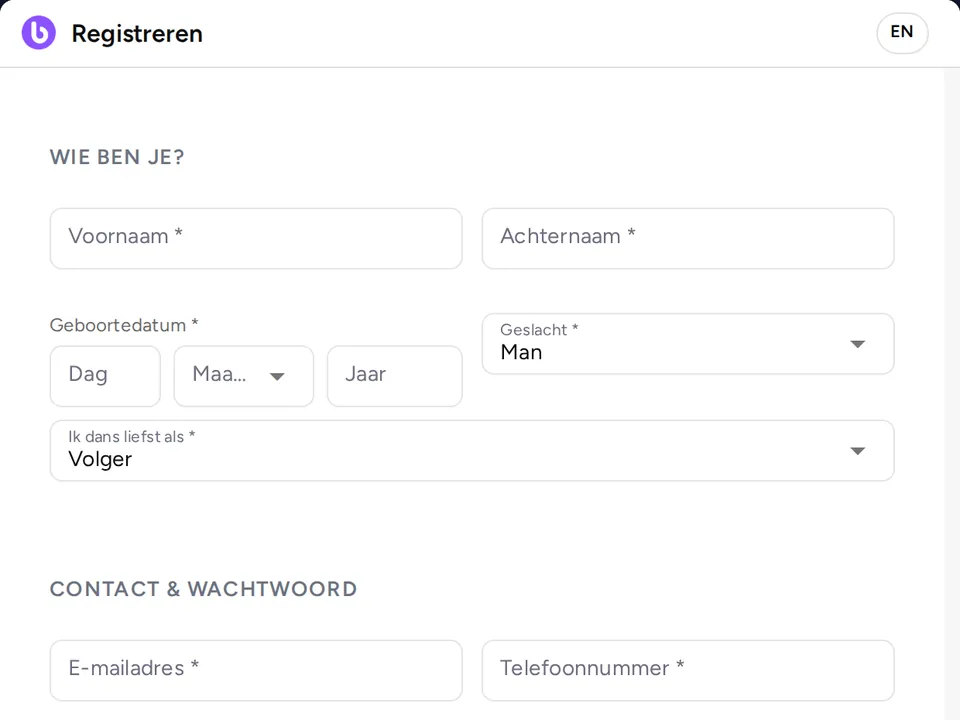
Text field, text box, dropdown or tick box, in your own order.
Per question you decide whether an answer is required.
You embed the same form on your site with the code you copy in the backoffice.
Every registration is in the backoffice, with the answers per question alongside.
From the form to the first member: what is ready and what you set yourself.

A new member signs up through the registration form of your school, in the frontoffice or on your own website.
Members sign up with a Baila account. The same account works at every school that uses Baila.
Add the questions that matter to your school, such as earlier dance classes or a fixed dance partner.
The Baila terms of use and privacy statement are kept centrally, so you do not write them yourself. A new member agrees to them when signing up.
You choose whether new members pay a one-time registration fee, called administration costs in the backoffice. The member pays it with the first purchase, through Mollie.
The dashboards in the backoffice show how registrations develop.
You decide what the form asks and what happens after signing up.
The Baila Assistant answers visitors who want to join and helps your team with new members.
The start page explains what Baila arranges for your dance school, and that is where you sign up your school.